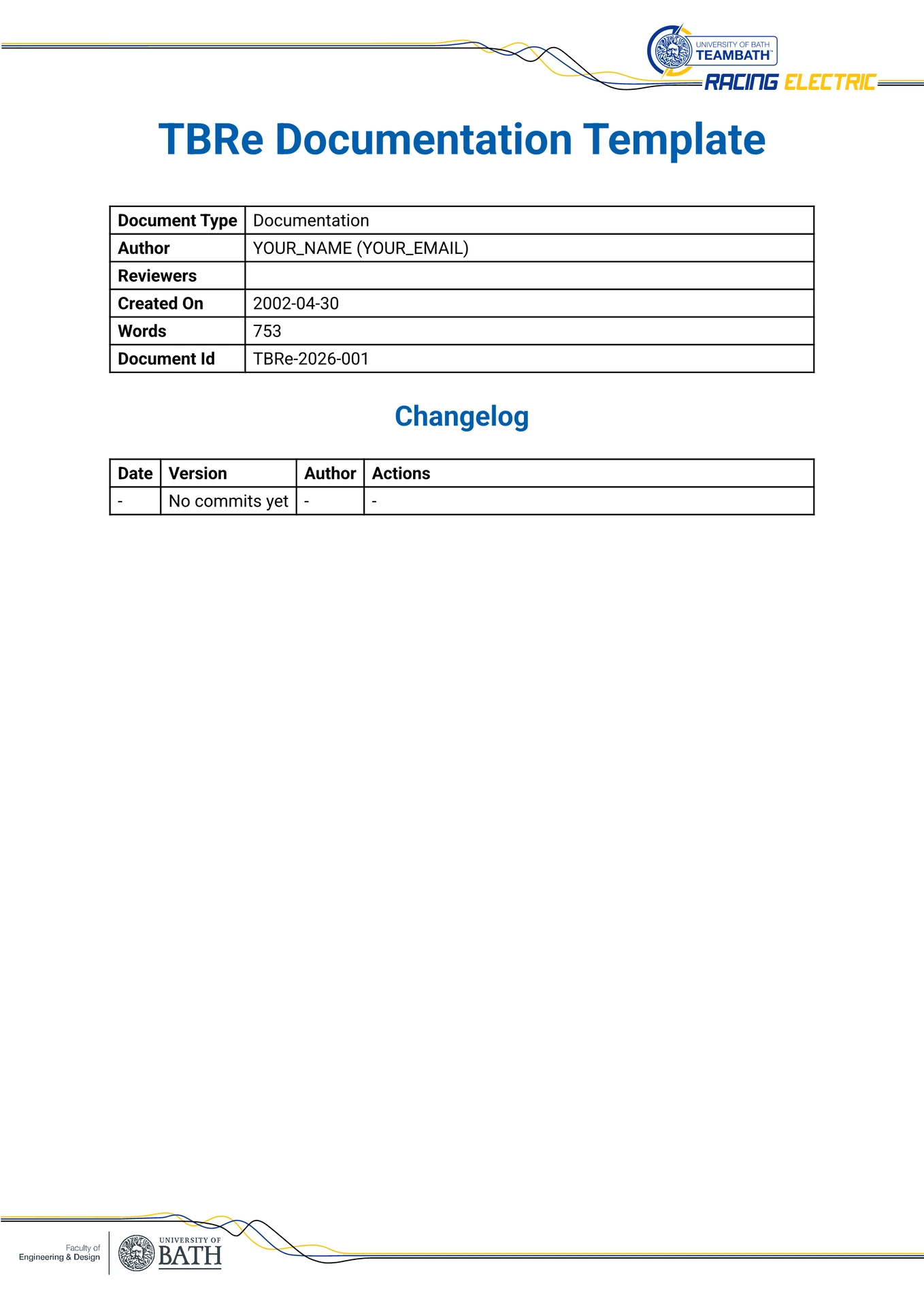
A highly customizable, locally deployed Typst template designed for the TBRe documents or documentation.
Features include:
- Automatic list of abbreviations generation
- Listing of all figures and tables
- TBRe-specific styling and formatting
- Support for automated changelog generation using
git-cliff
Initialising the Template
To use this template after installation simply run the following commands.
typst init '@preview/documenting-tbre:0.1.0' name-of-your-project
cd name-of-your-project
typst watch main.typ
Git Recommendation
In order to reduce repository bloat enable git LFS to track the image files used in figures.
git lfs install
git lfs track "*.png" "*.jpg" "*.jpeg" "*.svg"
git add .gitattributes
git commit -m "Configure Git LFS to track image files"
Installing as a Local Package from a Remote Repository
To use this template across multiple projects without copying the source files every time, you can install it into Typst’s local package directory directly from the remote repository.
Step 1: Locate your Typst local package directory Typst looks for local packages in a specific data directory depending on your operating system:
- Windows:
%APPDATA%\typst\packages\local\ - macOS:
~/Library/Application Support/typst/packages/local/ - Linux:
~/.local/share/typst/packages/local/
Step 2: Clone the repository
Create a folder structure matching the package name and version defined in the typst.toml file (documenting-tbre/0.1.0), and clone the remote repository into it.
For example, on Linux/macOS:
mkdir -p ~/.local/share/typst/packages/local/documenting-tbre/0.1.0
git clone <YOUR_REMOTE_REPO_URL> ~/.local/share/typst/packages/local/documenting-tbre/0.1.0
typst init '@local/documenting-tbre:0.1.0' name-of-your-project
Using git-cliff for Changelog Generation
This template features automatic list-of-abbreviations generation and an automated changelog powered by git-cliff.
Use git-cliff to generate changelog.typ from your git commit history following the Conventional Commits specification TYPE(CHAPTER): COMMIT MESSAGE
Ensure to place a cliff.toml configuration file in your project root with the appropriate settings for your repository. Then, run the following command to generate the changelog:
git cliff --config cliff.toml --output changelog.typ
Distribution of University of Bath Branding Terms
University of Bath branding terms are distributed as is and are not modified in any way. Please refer to the University of Bath Brand Guidelines and Using the University Logo for more information on how to use these terms correctly in your documentation.