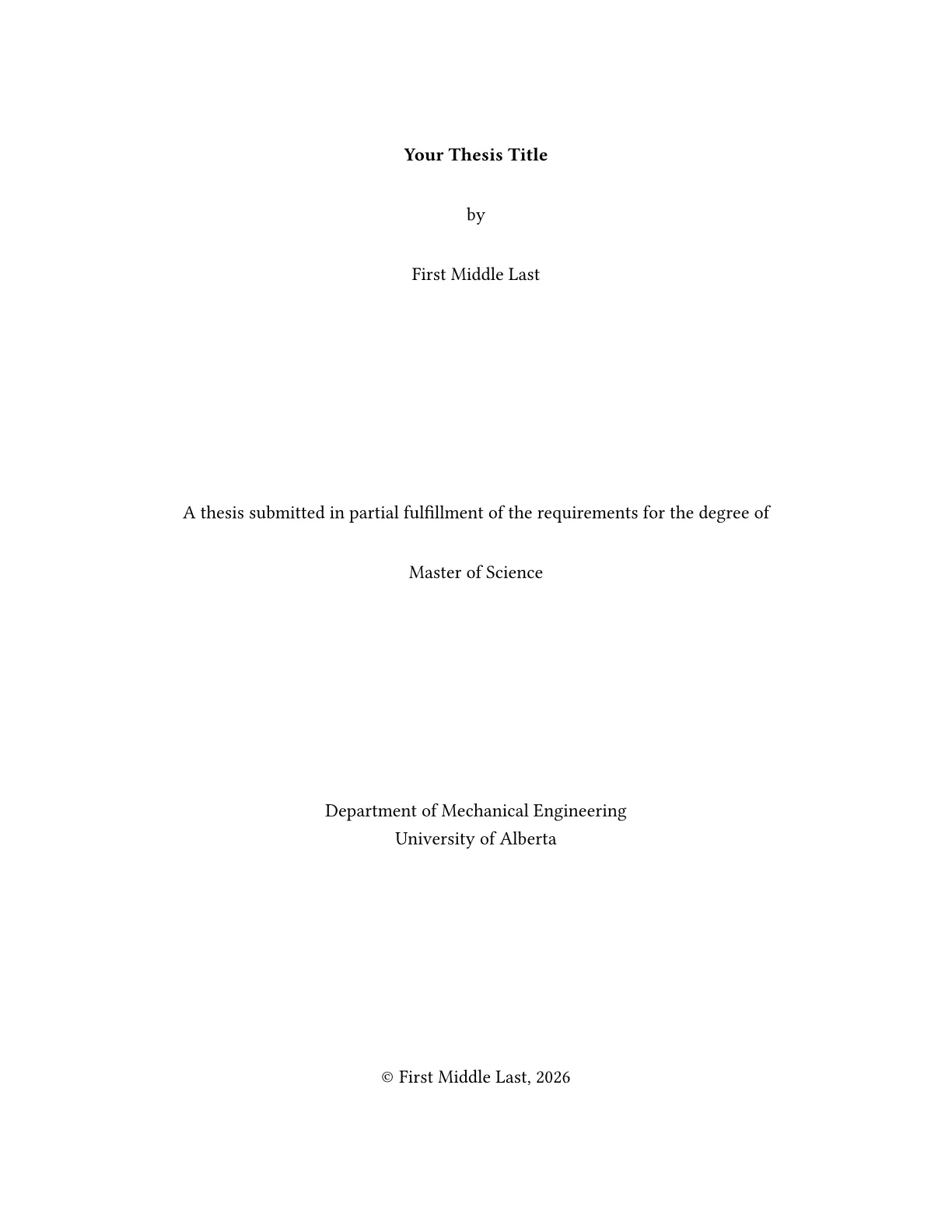
An unofficial Typst thesis template for the Faculty of Graduate & Postdoctoral Studies at the University of Alberta.
Getting started
Requires Typst 0.15.0 or newer. No external Typst packages or additional fonts are needed. See the rendered example.
Create a project with the template using Typst CLI:
typst init @preview/clean-ualberta-thesis my-thesis
In the Typst web app, choose Start from template and select this template, or click Create project in app on the package page.
Writing your thesis
Edit the files in your initialized project:
main.typ                    # Metadata, front matter, and chapter order
chapters/
  introduction.typ
  methods.typ
  conclusion.typ
appendices/
  supporting-material.typ
references.bib              # Bibliography entries
Write each chapter in its own file. Add or reorder #include statements in
main.typ to change the chapter order; include appendices inside #appendices[...].
Compile main.typ to build the complete thesis, including cross-references and
bibliography. Typst supports existing BibLaTeX .bib files as well as Hayagriva
bibliographies.
Customization
Edit the arguments to thesis.with(...) in main.typ:
| Argument | Use/default |
|---|---|
title, author, degree, department, year |
Required title metadata. Use official full names; year is the integer submission year. |
abstract, preface |
Required content; replace the sample text with your own. |
specialization |
Official specialization, or none; the entire “in” block is omitted when absent. |
dedication, acknowledgements |
Optional content, default none. Put a quotation with the dedication if wanted. |
symbols, abbreviations, glossary |
Optional content, default none; native term lists work well. Authors control ordering/definitions. |
font, font-size |
"Libertinus Serif", 12pt; the font is bundled with the Typst CLI. |
line-spacing |
2 baseline spacing; minimum 1.5. Abstracts always use double spacing. |
toc-depth |
3: chapter plus two subheading levels. Allowed values 3–5. |
lang |
Main text language, default "en". |
abstract-translation |
(title: [Résumé], lang: "fr", body: [...]) for a second abstract. Required when lang is not "en"; put English in abstract. |
extra-lists |
Additional figure-kind/list-title pairs, e.g. (("map", [List of Maps]),). Empty by default. |
preliminary |
Other preliminary sections after the glossary, e.g. ((title: [Note on Transliteration], body: [...]),). |
title-page |
Optional full-page content replacing the generated title; see the GPS title-page instructions below. |
Level-one headings start a new page. Chapters use numbers, appendices letters;
figures, tables, plates, code figures, equations, and footnotes reset at each
chapter or appendix. Page numbers stay at the bottom centre throughout.
#appendices[...] goes once, after the final bibliography; pagination continues.
Use native @label references and figure, table, math.equation, footnote,
raw, quote, and bibliography elements. Inline equations remain unnumbered.
Lists of tables, figures, and plates are included only when that kind occurs.
For photographs use figure(..., kind: "plate", supplement: [Plate], caption: [...]).
Give other nontext types their own kind and an extra-lists entry. Uncaptioned
native code blocks do not become figures automatically.
Bibliographies
Typst 0.15 supports multiple bibliographies. Keep the final comprehensive bibliography even when chapters have their own reference lists. The following pattern targets each chapter’s citations explicitly and restarts its reference numbers. The final bibliography includes all entries in the supplied database; keep that database limited to works used in your thesis.
= First paper <paper-one>
Text with citations, for example @Shannon1948.
#context bibliography(
  "references.bib", title: [References], style: "ieee", group: none,
  target: selector(cite).after(<paper-one>).before(here()),
)

= Second paper <paper-two>
Text with citations, for example @GPS2024.
#context bibliography(
  "references.bib", title: [References], style: "ieee", group: none,
  target: selector(cite).after(<paper-two>).before(here()),
)

#bibliography(
  "references.bib", title: [Bibliography], style: "chicago-author-date",
  full: true, target: selector(cite), group: none,
)
Choose citation styles with your supervisor. The final bibliography heading is
unnumbered and appears in the contents. A native bibliography normally starts a
new page under this template. To keep a chapter’s references within its chapter,
wrap that bibliography in a content block with
#show bibliography: set heading(offset: 1).
Use the official title page
Download the current title-page form through
the GPS page.
Complete it using your official name, degree, specialization, and unit from Bear Tracks.
For Neuroscience, use department: "Neuroscience" and no specialization.
For Medical Sciences, use the exact Medical Sciences- Department of ... wording from the form.
To carry over the completed form’s page, export it and convert its first page to a full-page SVG, then supply it at Letter dimensions:
title-page: image(
  "title-page.svg", width: 8.5in, height: 11in,
  alt: "Completed thesis title page with title, author, degree, unit, and copyright.",
),
For example, Poppler’s pdftocairo -svg -f 1 -l 1 title-page.pdf title-page.svg
preserves the appearance of a PDF exported from the form. Use the same
conventional font as the thesis body when completing it. Check this replacement
is one page. Direct PDF image embedding in Typst 0.15 cannot be exported to
PDF/A; SVG is supported. The generated title is useful while drafting and for
checking the field order.
Export for submission
typst compile --pdf-standard a-2u my-thesis/main.typ my-thesis/Lastname_Firstname_M_202609_MSc.pdf
Use your actual name, submission year/month, and degree abbreviation. In the web app, select PDF/A in the PDF export settings.