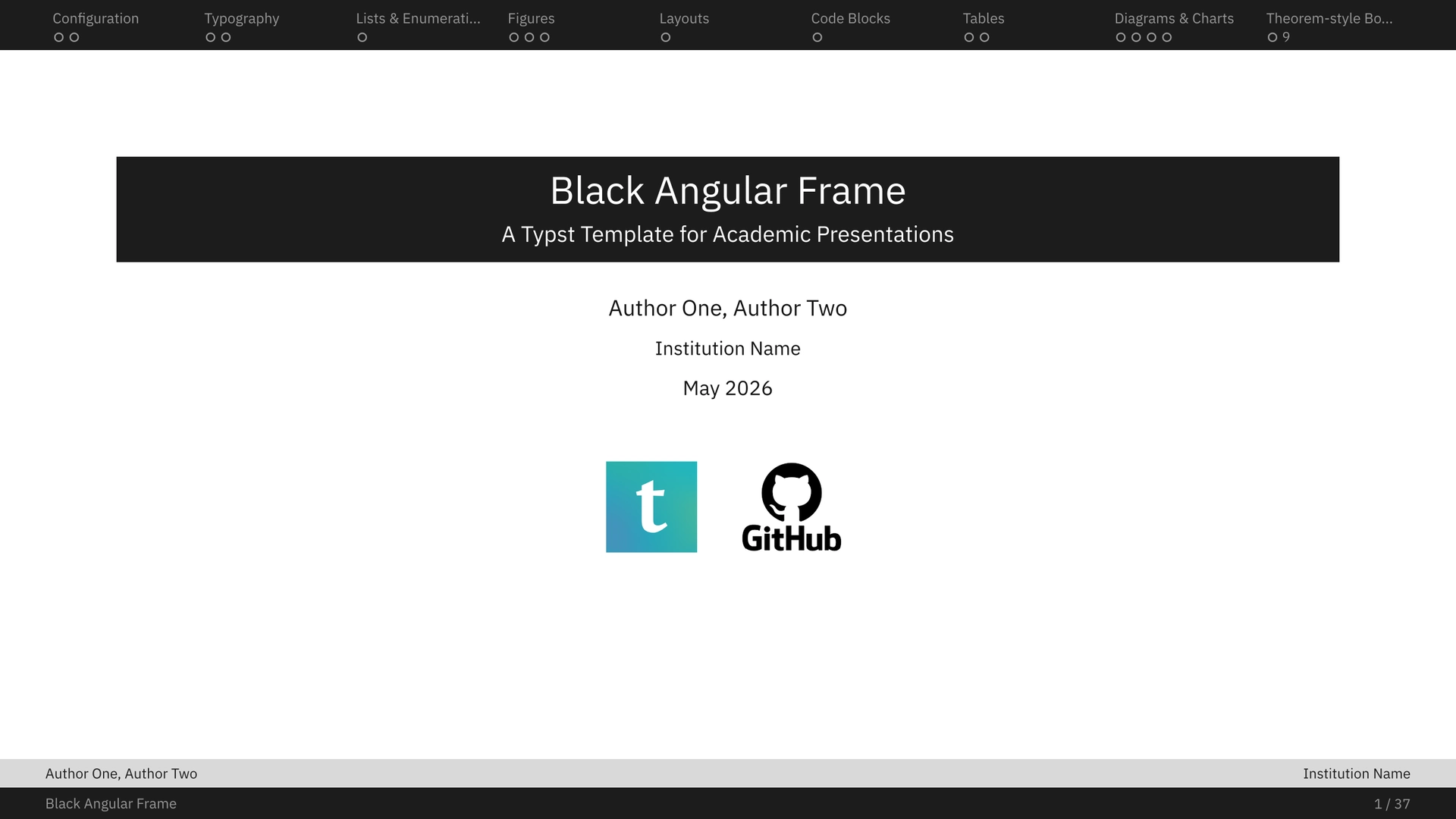


A Typst presentation template with a square, minimal, academic design language: a solid navigation bar on top, a two-level footer with page number, a tinted title strip for regular content slides, and compact box environments without wasted whitespace.

For a complete rendered demo, check the full example PDF: example.pdf.
Quick start
#import "@preview/black-angular-frame:0.1.1": *

#let presentation-config = (
  title: "Robust Optimization for Small Data",
  subtitle: "A compact academic presentation",
  authors: "Alice Rivera, Bob Chen",
  institution: "Department of Applied Mathematics",
  date: "May 2026",
  final-message: "Thank you for your attention.",
  primary-color: rgb("#1C1C1C"),
  secondary-color: rgb("#D9D9D9"),
  background-color: rgb("#FFFFFF"),
  font-color: luma(20),
  content-center: 0.32,
  content-upper-padding: 0.05,
  content-lower-padding: 0.05,
  TOC: true,
)

#show: black-angular-frame.with(config: presentation-config)

#new-section("Motivation", slide-title: "Why Robustness Matters")

#slide(title: "Problem Setting")[
  #two-col(
    [
      - Few labels are available.
      - Measurements contain structured noise.
      - Models must report uncertainty clearly.
    ],
    [
      #baf-figure(caption: [A placeholder system diagram.])[
        #baf-visual[
          #rect(width: 100%, height: 54pt, fill: luma(242), stroke: luma(180))
        ]
      ]
    ],
    left-width: 52%,
  )
]

#new-subsection("Guarantees")

#slide(title: "Main Claim")[
  #theorem(name: "Stability Bound")[
    If the empirical risk is Lipschitz in the perturbation radius, then the robust objective changes continuously with the data budget.
  ]

  #proof[
    Combine uniform convergence with the triangle inequality and absorb the perturbation term into the radius-dependent constant.
  ]
]

#new-section("Implementation")

#slide(title: "Training Sketch")[
  #two-col(
    [
      #code-box(
        "def train(batch):\n  loss = robust_loss(model, batch)\n  loss.backward()\n  optimizer.step()",
        type: "Source Code",
        title: "Python",
        lang: "python",
      )
    ],
    [
      #pseudo-code(
        "for epoch <- 1 to E\n  sample mini-batch\n  update robust objective\nend",
        title: "Mini-batch loop",
      )
    ],
  )
]

#final-slide
Initialize from the template after publication with:
typst init @preview/black-angular-frame:0.1.1
For local development in this repository, compile the demo with:
typst compile example.typ example.pdf --font-path assets/fonts
The source file is example.typ and the output path should be exactly example.pdf; this repository keeps only that generated PDF.
The local demo imports black-angular-frame.typ directly and uses the fonts in assets/fonts/. If you use VS Code + Tinymist, configure the font path manually if you want IBM Plex to be discovered from assets/fonts/.
Template configuration
Pass configuration through #show: black-angular-frame.with(config: presentation-config).
| Name | Expected value | Default | Description |
|---|---|---|---|
title |
String | "" |
Presentation title. |
subtitle |
String | "" |
Presentation subtitle. |
authors |
String | "" |
Author line shown on the cover and footer. |
institution |
String | "" |
Institution shown on the cover and footer. |
date |
String | "" |
Date shown on the cover. |
final-message |
String | "" |
Message shown on the last slide. |
footer-content-1 |
String | authors |
Left text in the upper footer band. Long strings are truncated with ellipses. |
footer-content-2 |
String | institution |
Right text in the upper footer band. Long strings are truncated with ellipses. |
footer-content-3 |
String | title |
Left text in the lower footer band. Long strings are truncated with ellipses. |
primary-color |
Color | rgb("#1C1C1C") |
Main bars, highlights, numbering, and accents. |
secondary-color |
Color | rgb("#D9D9D9") |
Secondary header and footer bands. |
background-color |
Color | rgb("#FFFFFF") |
Slide background color. |
font-color |
Color | luma(20) |
Default body text color. |
header-font-color-1 |
Color | _muted-nav(primary-color) |
Inactive text in the primary header band and text in the lower footer band. |
header-font-color-2 |
Color | primary-color |
Text in the secondary header and footer bands. |
header-font-color-1-highlight |
Color | rgb("#FFFFFF") |
Active text in the primary header band. |
content-center |
Float 0-1 | 0.3 |
Vertical position used to center content; 0 starts at the top, 1 at the bottom. |
content-upper-padding |
Float 0-1 | 0.05 |
Top proportion of the available content area kept empty. |
content-lower-padding |
Float 0-1 | 0.05 |
Bottom proportion of the available content area kept empty. |
logos |
array[content] |
() |
Logo images or custom content shown on the cover. |
TOC |
Bool | true |
Whether to add the table of contents slide with links to each section’s divider or first slide. |
The template still accepts the previous parameter names (title-color, bg-color, cover-images, toc, and related aliases) for existing documents, but new presentations should use the config object.
For cover logos, pass Typst content rather than path strings, for example logos: (image("assets/logo.png", height: 45pt),). This keeps image paths resolved from the user document instead of from the package internals.
Fonts
The template uses IBM Plex when available, with Liberation and DejaVu fallbacks. For local compilation with IBM Plex, install the fonts on your system or pass them with --font-path.
This repository keeps IBM Plex files in assets/fonts/ so example.typ can compile locally with the intended typography. The package manifest excludes assets/fonts/** from the Typst Universe bundle, because Universe packages must not ship font files.
| Role | Font |
|---|---|
| Body text | IBM Plex Serif |
| Titles and UI elements | IBM Plex Sans |
| Code and verbatim | IBM Plex Mono |
Fallback chains include Liberation and DejaVu, so the template works even when IBM Plex is unavailable.
Slide functions
#slide(title: "...", body)
Standard content slide. Content is vertically centred in the available area.
#slide(title: "My Slide")[
  Content goes here.
]
#new-section("Name", slide-title: auto)
Registers a section, increments the section counter, resets figure and theorem counters, updates the navigation bar label, and automatically renders the section intro slide. Use slide-title: when the intro slide should display a different title from the navigation label.
#section-slide("Name")
Renders an extra full-page section divider manually. This is no longer needed for the normal #new-section(...) workflow.
#new-subsection("Name")
Registers a subsection in the TOC without rendering a divider slide.
#final-slide
A centered italic final-message slide. Configure the displayed text with final-message. No parentheses — this is a content value, not a function call.
Layout helpers
#two-col(left, right, gutter: 22.4pt, left-width: 48%)
Splits the slide into two columns.
#two-col(
  [Left column content],
  [Right column content],
  left-width: 55%,
)
Figures
#baf-figure(caption: [...], body)
Numbered figure. The counter resets at each #new-section. Reference by number in surrounding text.
#baf-figure(caption: [A diagram showing the architecture.])[
  #image("diagram.svg", width: 80%)
]
#baf-visual(body)
A centered, full-width visual wrapper with the same vertical spacing used by figures. It is useful for diagrams, plots, and placeholders.
#baf-visual[
  #rect(width: 100%, height: 54pt, fill: luma(242), stroke: luma(180))
]
Tables
#baf-table-cell(body, fill: ..., stroke: ..., pos: ...)
Cell helper for tables built with grid. It applies the template table font, IBM Plex Sans by default.
#baf-table-cell(fill: luma(248), stroke: luma(200) + 0.6pt, pos: center)[88.9]
Theorem-style boxes
All boxes display a colored header with Kind N.M (section.number) and an optional name panel.
| Function | Default color |
|---|---|
#theorem(name: "...", body) |
blue.darken(50%) |
#lemma(name: "...", body) |
blue.darken(30%) |
#corollary(name: "...", body) |
blue.darken(40%) |
#proposition(name: "...", body) |
teal.darken(30%) |
#definition(name: "...", body) |
purple.darken(20%) |
#example(name: "...", body) |
green.darken(30%) |
#exercise(name: "...", body) |
orange.darken(20%) |
#remark(name: "...", body) |
luma(90) |
#proof(body) |
left-border style |
#baf-box("kind", name: "...", color: ..., body) |
any color |
The color: parameter can be overridden on any box. #baf-box accepts any string as the kind label.
#theorem(name: "Banach Fixed-Point Theorem")[
  Let $(M, d)$ be a complete metric space and $f$ a contraction. Then $f$ has a unique fixed point.
]

#baf-box("warning", name: "Careful!", color: red.darken(20%))[
  Do not confuse contractions with nonexpansive maps.
]
Code and pseudo-code boxes
Code fragments and pseudo-code can use the same framed header style as theorem boxes, with a type label and optional title.
| Function | Purpose |
|---|---|
#code-box("...", type: "...", title: "...", lang: "...") |
Source code with optional syntax highlighting |
#pseudo-code("...", type: "...", title: "...") |
Pseudo-code with the same box chrome |
#code-box(
  "def train_step(x):\n  return model(x)",
  type: "Source Code",
  title: "Python",
  lang: "python",
)

#pseudo-code(
  "for t <- 1 to T\n  update theta\nend",
  title: "Training Loop",
)
Example slides (example.typ)
The file example.typ is a complete demo presentation covering all template features. Below is a summary of each section.
Section 1 — Configuration
- Template configuration table with name, expected value, default, and description.
- Exact Typst code used by the example presentation to import and configure the template.
Section 2 — Typography
- Side-by-side comparison of the three IBM Plex families (Serif, Sans, Mono) with representative weight and style variants.
- Size scale from 8 pt to 18 pt; semantic use of bold, italic, color, and underline.
Section 3 — Lists & Enumerations
- Unordered bullet list (3 levels) and ordered enumeration (3 levels) side by side in two columns.
Section 4 — Figures
- Two numbered figures with placeholder rectangles and captions. Explains how to replace placeholders with real images.
Section 5 — Layouts
- A two-column layout with explanatory text on the left and a content block on the right.
Section 6 — Code Blocks
- Python source code and pseudo-code side by side, both rendered as framed boxes with a theorem-style
type | titleheader.
Section 7 — Tables
- Paper-style booktabs table (horizontal rules only) and grid-style table (full borders, colored header, alternating row shading) side by side.
Section 8 — Diagrams & Charts
- Two block diagrams — a Transformer encoder block (matching the original color scheme: orange FFN, blue Add & Norm, green attention) and a state-space system block diagram.
- A linear-algebra kernel/image decomposition diagram and a three-state Markov chain transition graph with labeled arcs.
- A line chart of model accuracy vs. epoch (data from
assets/curves.csv) and a grouped bar histogram of test scores by group and year (2020–2024).
Section 9 — Theorem-style Boxes
#definition,#theorem,#lemma,#corollary, and#proofenvironments demonstrated with the Banach fixed-point theorem and Picard–Lindelöf corollary.#example,#exercise,#proposition, and three#baf-boxcalls with custom kind labels (“note”, “warning”, “custom”) and custom colors.
Repository layout
black-angular-frame/
├── typst.toml                 # Package manifest
├── black-angular-frame.typ    # Package entrypoint
├── template/
│   ├── main.typ               # typst init starter file
│   └── assets/                # Starter assets copied by typst init
│       ├── typst-logo.png     # Demo logo asset
│       └── github-logo.png    # Demo logo asset
├── thumbnail.png              # Universe thumbnail
├── example.typ                # Full local demo presentation
├── example.pdf                # Pre-compiled local demo PDF
├── assets/
│   ├── typst-logo.png         # Local demo logo asset
│   ├── github-logo.png        # Local demo logo asset
│   ├── fonts/                 # IBM Plex Serif / Sans / Mono TTF files
│   ├── example-preview.svg    # README preview of selected demo slides
│   └── curves.csv             # Sample data for the line chart slide
└── README.md
The Typst Universe bundle is controlled by exclude in typst.toml. The local demo, generated PDFs, README preview image, local fonts, Tinymist lockfile, and temporary files stay in the repository but are excluded from the published package archive.
Acknowledgements
This template was visually inspired by the Ritsumeikan University Theme Beamer Template by Ming-Hao Xu (Xu Minghao), published on Overleaf under the LaTeX Project Public License 1.3c and described as altered from the THU template. This Typst template is independently implemented and is not affiliated with or endorsed by Ritsumeikan University, Tsinghua University, or Overleaf. No university logos or brand assets are included.
License
The template code is released under the MIT License. The IBM Plex fonts kept for local demo builds are distributed under the SIL Open Font License 1.1; see assets/fonts/OFL-1.1.txt. Font files are excluded from the Typst Universe package bundle.