Create project in app
Getting Started
You can simply start using the template by opening up a new project and typing:
#import "@preview/basic-postcard:1.0.0": postcard

#show: postcard.with(
  motif: image("pretty-picture.png")
)
Hey, i recently visited the "Curly Bar" and it was simply *amazing*!

Best Regards
This will result in a simple postcard with your chosen motif, a divider line, 4 address lines and of course the text following it.
Further Styling
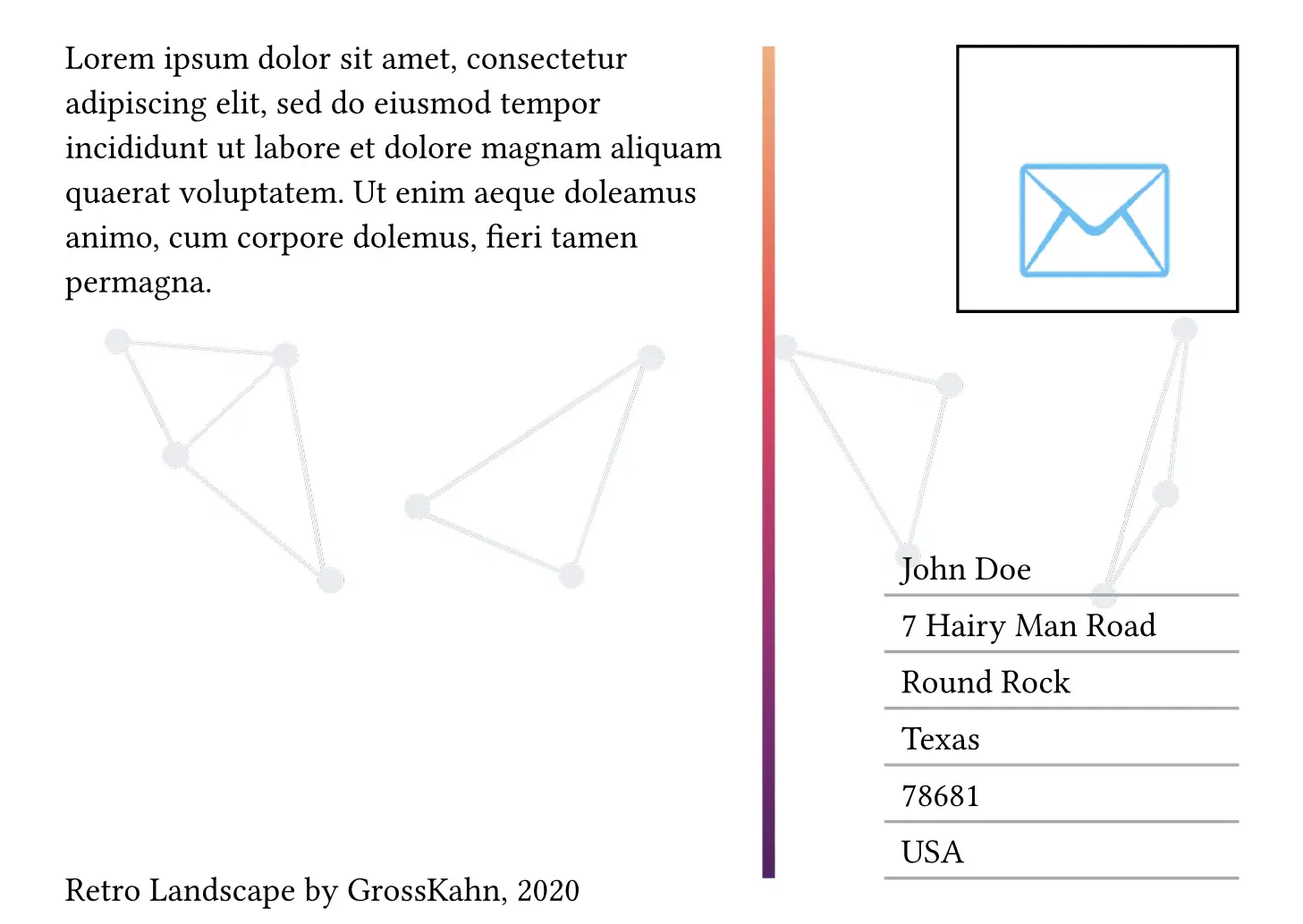
There are a few more parameters you can tweak, this is an example with all possible arguments with comments explaining them:
#show: postcard.with(
  // This parameter can be also of type content or none if you want to omit it.
  // This way however the template will try to fill out the entire page with your image.
  motif: read(encoding: none, "example.png"),
  // This parameter can be also of type none if you want to omit it.
  background-motif: image(width: 85%, "triangles.png"),
  // Parameter of type length, will just be passed to the margin parameter of the page function.
  margin: 5%,
  // Parameter of type string, will just be passed to the paper parameter of the page function.
  paper: "a6",
  // Parameter of type bool, will just be passed to the flipped parameter of the page function. Useful if you want a portrait postcard.
  flipped: true,
  // Parameter of type content or none, will insert a placeholder post-stamp in the upper right corner.
  post-stamp: [#rect(height: 30.13mm, width: 31.80mm, align(horizon + right, text(size: 5em, emoji.mail)))],
  // Parameter of type content, will just be passed to the footer parameter of the page function.
  footer: [Retro Landscape by GrossKahn, 2020],
  // Parameter of type array or int, if you input an array, a line for every element will be created together with it's content. For int there will be the value of int lines created.
  address-lines: ("John Doe", "7 Hairy Man Road", "Round Rock", "Texas", "78681", "USA"),
  // Parameter of type length, the spacing between address-lines.
  address-lines-gutter: 1pt,
  // Parameter of type length, the length of address-lines.
  address-line-length: 80%,
  // Parameter of type stroke, the stroking of the address-lines.
  address-stroke: stroke(1pt + color.fuchsia.darken(50%)),
  // Parameter of type length, the amount by which the big line in the middle is offset to the right.
  divider-dx: 60%,
  // Parameter of type length, the length of the big line in the middle. Set it to 0% to omit the divider-line. Note: The divider line does not respect the postcard margin.
  divider-length: 90%,
  // Parameter of type stroke, the stroking of the big line in the middle.
  divider-stroke: stroke(4pt + gradient.linear(..color.map.flare, angle: 90deg)),
  // Parameter of type length, the space between the writing-area/address-area and the divider.
  divider-gutter: 5%,
)
The template comes with all arguments populated, as this is how i like my templates :).