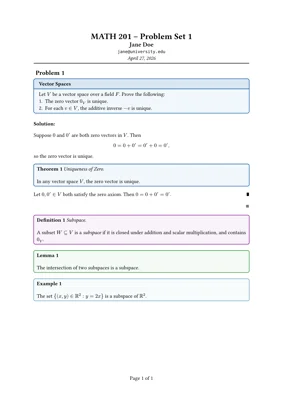
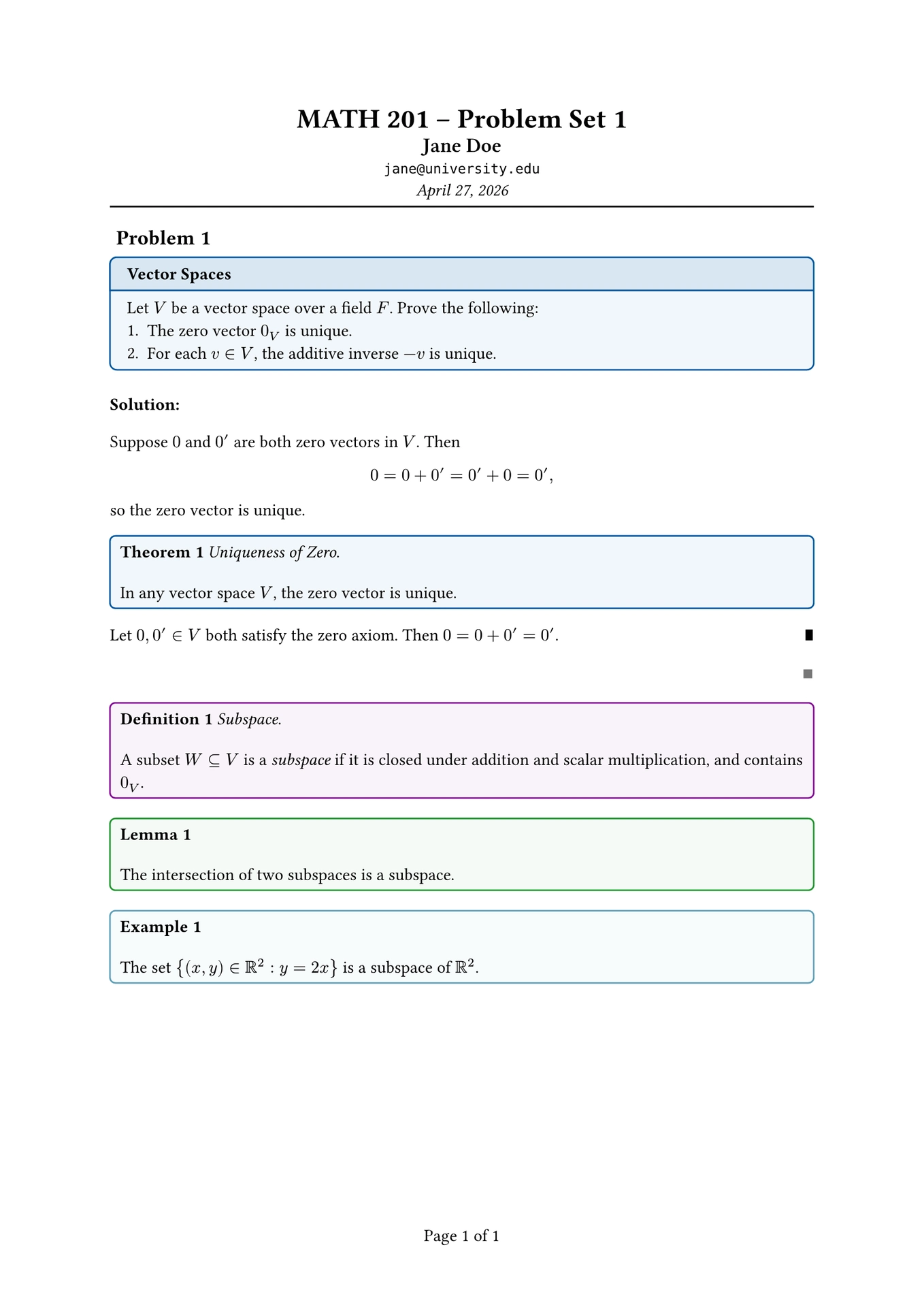
A clean, elegant template for academic homework and presentation slides in Typst.
Features
Homework Template
Professional problem set layout with title page
Automatic problem numbering
Theorem, lemma, definition, corollary, and example boxes
Proof blocks with customizable QED symbols
Toggleable solutions
Page headers and footers with automatic numbering
Slides Template
Minimal, clean presentation slides
Support for 16:9 and 4:3 aspect ratios
Dynamic content with pause, uncover, and only
Title slides and section slides
Handout mode for print-friendly output
Quick Start
typst init @preview/axiomst:0.2.1
Or import directly:
#import"@preview/axiomst:0.2.1":*
Homework Usage
#import"@preview/axiomst:0.2.1":*#show: homework.with(
title:"Problem Set 1",
author:"Your Name",
course:"MATH 101",
email:"name@uni.com",
date: datetime.today(),
collaborators:["Alice", "Bob"],)#problem(title:"Vector Spaces")[
Let $V$ be a vector space over a field $F$. Prove the following:
1. The zero vector $0_V$ is unique.
2. For each $v in V$, the additive inverse $-v$ is unique.
]#theorem(title:"Uniqueness of Zero")[
In any vector space $V$, the zero vector is unique.
]#proof[
Suppose there exist two zero vectors...]
Homework Options
Parameter
Description
Default
title
Assignment title
“Homework Assignment”
author
Your name
“Student Name”
course
Course code/name
“Course Code”
email
Your email
-
date
Submission date
datetime.today()
due-date
Due date (optional)
none
collaborators
List of collaborators
[]
show-solutions
Show/hide solutions
true
Academic Elements
theorem(title: "", numbered: true)[...]
lemma(title: "", numbered: true)[...]
definition(title: "", numbered: true)[...]
corollary(title: "", numbered: true)[...]
example(title: "", numbered: true)[...]
proof[...] - with customizable qed-symbol
problem(title: "", numbered: true)[...]
solution[...] - toggleable with show-solutions
Slides Usage
#import"@preview/axiomst:0.2.1":*#show: slides.with(
title:"My Presentation",
author:"Your Name",
date: datetime.today(),
ratio:"16-9",// or "4-3"
handout:false,)#title-slide(
title:"My Presentation",
subtitle:"A Subtitle",
author:"Your Name",
institution:"University",
date: datetime.today(),)#slide(title:"First Slide")[
Content here.
#pause
This appears on the next subslide.
]#slide(title:"Dynamic Content")[#uncover(1)[Visible from start]#uncover((from:2))[Appears on subslide 2+]#only(3)[Only on subslide 3]]#section-slide[New Section]
Slides Options
Parameter
Description
Default
title
Presentation title
“Presentation”
author
Presenter name
none
date
Date
datetime.today()
ratio
Aspect ratio
"16-9"
handout
Handout mode (no subslides)
false
margin
Page margin
1.5cm
Dynamic Content
#pause - Content after this appears on the next subslide
#uncover(indices)[...] - Show content on specified subslides (layout preserved)
#only(indices)[...] - Show content on specified subslides (affects layout)